
Product walkthrough
See the complete translation flow before you install.
The extension keeps the controls narrow and explicit: choose a language, start the tab, follow translated output, and stop when you are done.
Demo video available now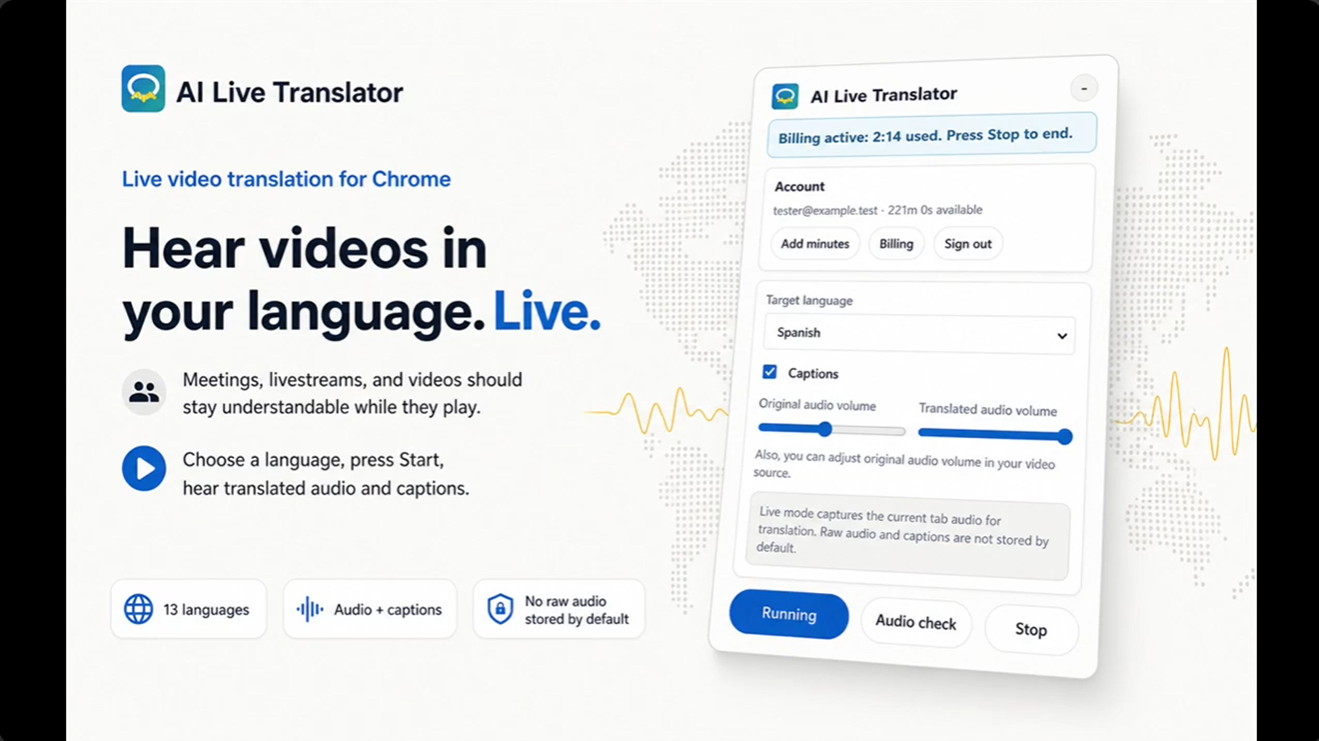
- Open a sourceChoose a Chrome tab with playable audio.
- Choose a targetSelect one of 13 supported output languages.
- Press StartBegin user-controlled capture of the selected tab audio.
- Listen and readHear translated speech and follow live captions while the source continues.
- Press StopEnd capture and minute billing together.
Latency note
Some delay is normal. Accuracy and latency vary with network conditions, source clarity, browser load, and language pair.